Washington State University Athletics
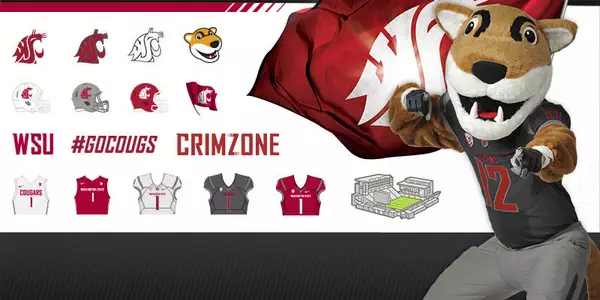
WSU Launches Custom Emoji Keyboard for Mobile Phones
May 11, 2016 | WSU Athletics
PULLMAN, Wash. – Washington State University Athletics has partnered with YourMoji, the mobile application for custom emoji (graphics) keyboards, to bring WSU spirit to the mobile screens of Cougar fans.
The YourMoji keyboard app allows WSU fans to show their Cougar pride through a customized WSU emoji keyboard on mobile phones.
Fans can download the YourMoji app from the Apple App Store or Google Play store and send custom WSU emojis and GIFs within text messages and social media platforms (Facebook Messenger, Snapchat Messenger, Instagram and Twitter).
To download WSU-featured content click here. Content will be updated periodically. Fans can follow WSU Athletics on social media for up-to-date information.
iPhone Instructions:
1. Search for 'YourMoji' in the Apple App Store
2. From Settings>General>Keyboard>Keyboards>Add New Keyboard
3. Add 'CustomKeyboard-YourMoji' from third-party keyboards
4. Select 'CustomKeyboard-YourMoji' and turn on 'Allow Full Access'
5. Open the YourMoji app on phone and search 'Washington State Athletics' in the featured content area
6. Add 'Washington State Athletics' as part of your feature content
7. Open the keyboard in a text message or in a social post to show friends, family and fellow Cougs your school pride
Android Instructions:
1. Search the Google Play store for the 'YourMoji – Custom Emoji Editor'
2. Download the YourMoji App to your phone
3. Open the YourMoji app
4. Tap the three bars in the right-hand corner
5. Select settings, and then scroll down to the bottom where the "Floating Icon" section is
6. Make sure it says on
7. With the "Floating Icon," you can easily switch between your messages and the YourMoji app to grab any emoji or GIF you like
8. To access WSU Athletics content search 'Washington State Athletics' in the featured content area and add to your favorites